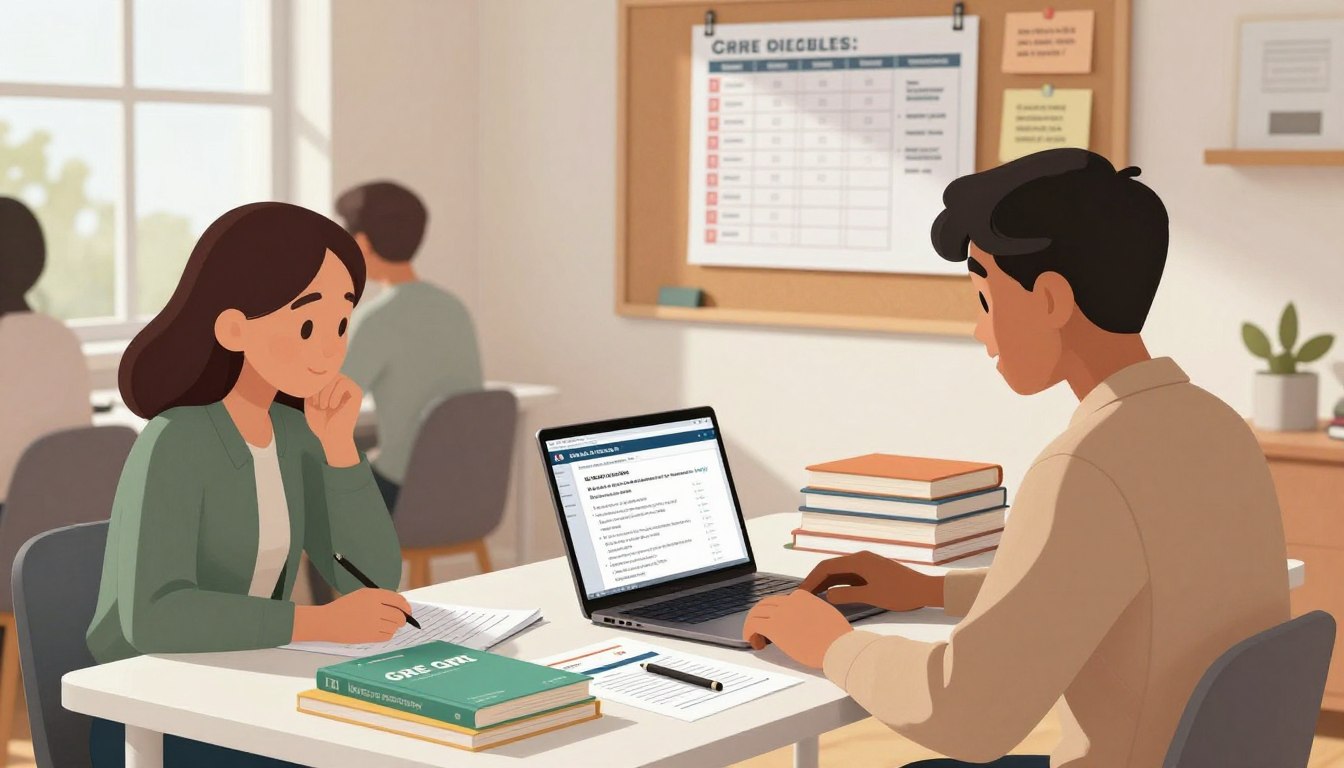
Discovering your gre test terminated unexpectedly can be very stressful. It might happen due to a technical issue, a security problem, or an administrative mistake. It’s important to know how to act fast.
At testhelper, we get how urgent this is. Our team at https://www.testhelper.org/ helps you get ready before you contact ETS GRE support. Having your appointment number, ID, and registration details ready makes the process easier for candidates in India.
Key Takeaways
- Identify the specific reason for your exam interruption immediately.
- Gather your registration details and appointment number before reaching out.
- Use official channels to communicate with the testing board.
- Keep a detailed log of all correspondence regarding your case.
- Visit testhelper for additional resources on managing your exam status.
GRE Test Terminated: What the Status Means
When your GRE session ends suddenly, it’s key to understand what it means. Seeing a gre test termination notice can be very stressful. You’ve worked hard for months. But, it’s important to stay calm and get the facts before worrying too much.
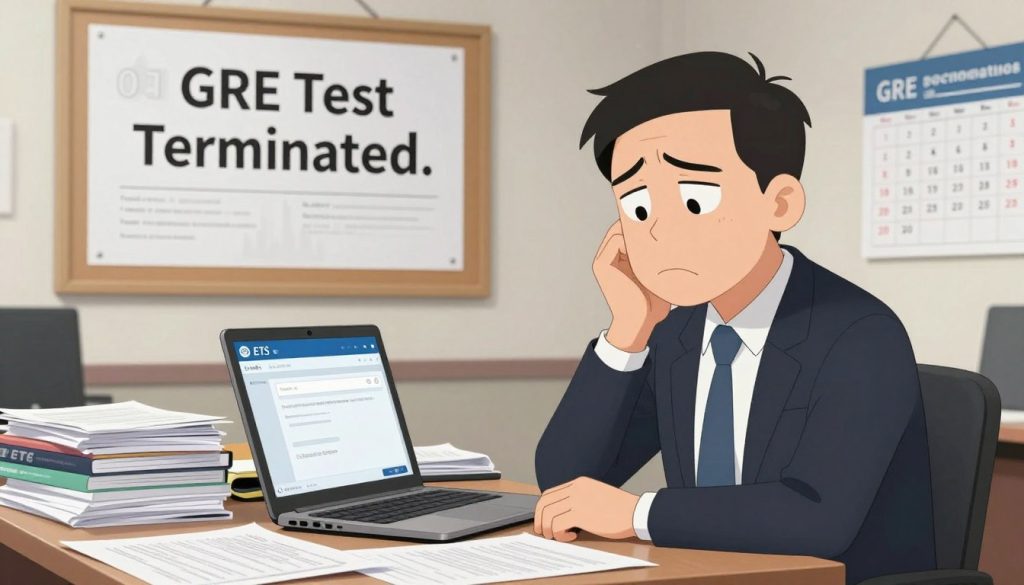
How “Test Terminated” Differs From a Technical Interruption
A technical interruption is usually a short problem, like losing internet or a frozen screen. The proctor might try to fix it so you can keep going.
A gre test termination, on the other hand, means the test is officially over. This happens if the testing area doesn’t meet ETS’s strict rules. Unlike a quick fix, a termination usually means your test is done for that day.
Why ETS May End a GRE Session Before Completion
ETS has high standards to keep the exam fair. If these standards aren’t met, the proctor can stop the test right away. Reasons include:
- Found unauthorized devices or materials.
- Didn’t follow proctor instructions about room scans or camera use.
- There’s too much background noise or someone else in the room.
- Test-taking behavior or communication seems suspicious.
What the Status Does and Does Not Confirm About Your Scores
Many think a termination means their scores are canceled for sure. But, that’s not always true. A termination just means the test stopped.
Whether your scores are kept or canceled depends on ETS’s review. Remember, GRE score cancellation is a formal process. You’ll get official news about your scores after ETS checks the session logs.
If you’re not sure what to do next, testhelper can help. Don’t assume a termination means you get a free retest. Each situation is judged on its own, based on the proctor’s report.
Identify Where and When the GRE Session Was Terminated
Finding out when your exam stopped is key to solving your problem with ETS. It doesn’t matter if you took the test in a building or at home. Giving a clear timeline helps teams check your story against their records. At testhelper, we say being precise is your best ally for a good appeal.

GRE Test Center Termination During Check-In or Testing
If you took the test in a center, figure out if the problem was at check-in or during the test. Issues at check-in might be about ID or system problems. If it stopped while you were taking the test, remember the exact time and workstation number.
GRE at Home Termination During Identity, Room, or Equipment Checks
At home, you might face a GRE at home technical issue before starting. Find out if it was during ID check, room scan, or GRE equipment check. Knowing if it was your camera, mic, or internet is key for quick fixes.
Termination During a Specific Section, Break, or System Transition
System failures can happen between sections or during breaks. Note the section you were on and if you’d finished your answers. If it froze during an update or software glitch, write it down right away to help ETS find the problem.
Why the Exact Time and Testing Environment Matter
ETS needs exact times to match your report with their logs. A clear timeline speeds up their review. When making your report, include:
- Exact Timestamp: The exact time the error showed up.
- System Status: If you used your laptop or a test center computer.
- Proctor Interaction: Any messages from the proctor before it ended.
- Environment Details: Any outside factors like power or internet issues.
Keeping a factual account helps prove the stop was not your fault. This will make your appeal stronger.
Common Reasons ETS Terminates a GRE Test
ETS has strict security rules that can stop your test suddenly. Knowing these rules is key for every test-taker. Most problems come from not following the GRE test rules. Knowing why helps you prepare for your next test.
Identity Verification, ID, and Registration Mismatches
Discrepancies in GRE identity verification often cause test stops. If your ID doesn’t match your registration, the system might think it’s a security risk. Make sure your ID is up to date and matches your account before the test.
Unauthorized Items, Devices, Notes, or Testing Materials
Having banned items can get you kicked out fast. This includes phones, smartwatches, or extra paper. Even if you don’t use them, they can break the test’s integrity.
Room, Camera, Audio, Internet, or Proctoring Violations
At-home tests need a clean, quiet space. If your camera is blocked or your internet keeps dropping, the test might end. Keeping your room stable and quiet is key to success.
Suspected Irregularities, Communication, or Unusual Test Behavior
Any sign of cheating or talking to others will stop the test. This includes looking away too long or using banned software. The GRE proctor watches for these to keep the test fair.
Test Center Administration or Proctoring Problems
Sometimes, the problem is with the test center. A GRE proctor might have tech issues, or the center might lose power. If you think it was a center problem, document it well.
Preserve Evidence Before Contacting ETS
After a test is stopped, it’s important to save your documents. A GRE test day checklist helps you remember important details. This is key for making a strong case to the testing authorities.
Save ETS Account Screenshots and Appointment Information
First, log into your account and take screenshots. Make sure your GRE appointment number and ETS ID number are clear. These are important for the support team to find your records.
Don’t just rely on memory. Save these screenshots in a safe place.
Record the Termination Time, Section, and On-Screen Message
Write down when the test stopped and what section you were on. If you saw an error message, take a photo or screenshot. This info helps figure out if it was a glitch or a problem with the test.
“Documentation is the bridge between a frustrating experience and a successful resolution.” — Anonymous Academic Advisor
Collect Technical Logs, Speed Tests, and Device Details for GRE at Home
If you took the test at home, you need technical evidence. Do an internet speed test right after it stops. Also, note your browser, operating system, and any hardware that might have affected the test.
Keep a record of any instructions from the proctor. This shows you tried to fix the problem. It also proves you followed all the rules.
Write a Factual Timeline While the Events Are Fresh
Write down what happened in order while it’s fresh in your mind. Start from when you logged in and include every interaction. A clear story helps avoid confusion and shows what happened.
Details to Avoid Changing or Omitting
When you report, be consistent. Keep the dates, times, and error codes the same. Stick to the facts you saw. Don’t leave out small details, like a proctor’s prompt, as they can cause misunderstandings.
Contact ETS Through the Correct GRE Support Channel
When your test ends early, it’s important to act fast. Local staff at test centers might not have the power to fix your issue. You need to contact the testing organization directly for a quick solution.
Use the Official GRE Contact and Support Options
The best way to start is through the official channels. These are set up to handle your sensitive information. They make sure your issue gets to the right people.
Sign In to the ETS Account Connected With the Appointment
Always log in to your account before reporting a problem. This links your specific test to your inquiry. It helps support agents see your testing history right away.
Submit a Clear Online Case About the Terminated Test
When you file a case online, be clear and concise. Describe what happened, including the time it stopped and any error messages. A clear report helps the team handle your request for GRE rescheduling or score reinstatement quickly.
Contact ETS by Phone When a Deadline Is Near
If you’re up against a tight deadline, calling is often better than waiting for an email. In India, you can use GRE India support at [email protected]. Or, call +18001200371 during India Standard Time to talk to someone directly.
Use Testhelper at testhelper.org for India-Focused Guidance
Testhelper can help you deal with a terminated test. Visit testhelper.org for advice tailored to Indian students. It helps you prepare your documents before you contact ETS GRE support.
How Testhelper Can Help Organize Questions and Supporting Details
Testhelper provides a way to organize your evidence before contacting officials. Their tools help you present your case professionally. Here are some benefits:
- Categorize your evidence: Organize technical logs, photos, and timeline notes.
- Draft clear inquiries: Write a professional narrative without emotional language.
- Track your progress: Keep a record of all communications with the testing board.
- Identify key requirements: Make sure you meet all criteria for a retest or refund.
Write an Effective ETS Termination Appeal
A successful ETS termination appeal needs a clear, evidence-based story. When your test is interrupted, a well-structured, professional account is key. This approach helps you get a fair hearing from the testing board.
Start With the Appointment, Registration, and Test Date Details
Make your appeal easy to process. Start by stating your name, test date, and GRE appointment number. Also, include your ETS ID number to help the support team find your file quickly.
Describe What Happened Without Speculation or Accusatory Language
Keep your report professional and objective. Stick to the facts, from check-in to the session’s end. Avoid emotional or accusatory language to stay focused on the facts.
Quote any on-screen messages you got during the interruption. If unsure about the cause, report what happened as you saw it, without guessing.
Explain Any Technical, Medical, Identification, or Test Center Circumstances
Describe the environment where the issue happened. Be specific about any technical or physical test center issues.
Request a Specific Resolution From ETS
After sharing the facts, clearly state what you want next. Be realistic and aim for outcomes that follow ETS policies on test irregularities.
Possible Requests: Score Review, Retest, Rescheduling, or Fee Relief
You might ask for:
- A formal score review if you think the termination was wrong.
- A free retest if technical issues caused the interruption.
- Rescheduling your exam without extra costs.
- Fee relief or a partial refund if you can’t finish the test.
Attach Relevant Evidence Without Sending Sensitive Information Unnecessarily
Support your appeal with relevant documents, like screenshots or speed test results. Always mention your GRE case number in your correspondence. Be careful to only share information directly related to the incident, avoiding unnecessary personal data.
Resolve Technical Terminations for GRE at Home
If your home test stops suddenly, you need to act fast to keep your score safe. A GRE at home technical issue can be scary, but staying calm and focused is key to solving it.
Document Internet, Power, Browser, and Equipment Failures
First, collect solid proof of the problem. Record the exact time the internet went down and if your power or router failed during the test.
If the Secure Browser crashed, take a screenshot of any error codes. A detailed GRE equipment check before the test proves your gear was ready.
Explain Proctor Instructions and Any Troubleshooting Attempts
Clearly explain what you did to fix the issue with the proctor watching. Mention if you tried restarting your browser or if the proctor gave specific help that didn’t work.
“Documentation is the bridge between a frustrating technical glitch and a fair resolution from the testing authority.”
Separate a Genuine Technical Failure From a Rule Violation
It’s important to tell the difference between a system error and breaking the rules. ETS knows the difference between a lost internet connection and using banned software or devices.
Be open about your environment to show the issue was just technical. A clear timeline helps the support team check if you followed the official testing guidelines during the test.
| Issue Type | Evidence Needed | Resolution Path |
|---|---|---|
| Internet Drop | ISP logs/Speed test | Technical Review |
| Browser Crash | Error screenshots | System Audit |
| Rule Violation | Proctor report | Administrative Review |
Ask ETS to Review the Proctoring Record and Session Logs
Ask the support team to look at the proctoring recording and system logs. These files give a clear picture of what happened during the interruption.
By asking for this review, you let ETS see you were focused on the test until it stopped. This is key to proving the issue wasn’t your fault.
Why You Should Not Rebook Before Understanding ETS’s Case Status
Many candidates quickly book a GRE retest, but this can mess up your case. Wait for ETS to update you on your status before booking a new test.
If you book too soon, you might miss out on a free voucher or a fee adjustment.
Handle Test Center Terminations and Administration Problems
If your test experience at a physical center goes wrong, document it right away. It’s important to stay calm and objective when you contact ETS GRE support about the issue. Keeping a detailed, factual record can help you get a better outcome.
Request a Written Account From the Test Center When Available
If something goes wrong, ask for a written report from the test center before you leave. This report is official evidence of what happened. If they can’t give you a written statement, get the names and roles of everyone involved.
Record Staff Instructions, Check-In Events, and Testing Conditions
Keep a detailed log of everything from when you arrived. Note the check-in time, any instructions from the proctors, and the testing environment. Consistency is key when documenting issues like noise, lighting, or equipment problems.
Explain ID, scheduling, room, noise, or equipment issues Precisely
When writing your GRE test center complaint, stick to the facts. Avoid emotional language or guesses. Clearly state any ID, scheduling, or equipment issues that stopped you from finishing the exam.
Escalate Center-Level Problems Through ETS GRE Support
Report any issues to ETS within seven days of your test. Use the official channels and include your registration number and evidence.
Understand Retest, Rescheduling, Refund, and Score Outcomes
When your GRE session is cut short, the resolution process depends on the incident’s nature. ETS looks at each case to decide if it was a technical error or a security issue. Your next steps depend on these findings, which decide if you get a solution.
When ETS May Offer a Free Retest or New Appointment
If a technical error caused the interruption, you might get a free GRE retest. This often happens with internet or software problems. ETS will give you a voucher or tell you how to book a new test for free.
When a Refund or Fee Adjustment May Be Considered
If you can’t or don’t want to retake the test, you might get a GRE refund. This is more likely if the testing center had a big problem. You can also try to GRE reschedule, but this depends on ETS’s rules.
How a Termination Can Affect Unofficial and Official Scores
A terminated session usually means you can’t see your unofficial scores. Sometimes, you might get a notice of GRE score cancellation if the software thought something was off. Always check your ETS account dashboard for your testing record’s latest status.
What to Do if ETS Places the Case Under Administrative Review
Occasionally, your case goes under GRE administrative review for a deeper look. This can take weeks, and your scores will be on hold. Keep an eye on your email for any updates from ETS.
Why Candidates Should Wait for Written Instructions Before Testing Again
You must wait for official written instructions from ETS before trying to register again. Trying to book a new test too soon can mess up your case.
Follow Up With ETS Without Delaying the Case
Many students waste time by sending the same emails over and over. A good follow-up plan can stop this delay. It’s essential to keep your communication clear and professional. This helps the support team work on your request faster.
Use the Existing Case Number in Every Follow-Up
Always include your GRE case number in the email subject line. This number lets ETS quickly find your file. Consistency is key to avoid confusion and link your new info to the right file.
Choose a Practical Follow-Up Schedule Instead of Sending Duplicate Reports
Don’t send many emails in a short time. This can slow down the review process. Wait two to three weeks for a response to test center complaints. If you haven’t heard back, send a polite follow-up message.
Escalate When a GRE Deadline, University Deadline, or Visa Plan Is at Risk
If you’re facing a tight deadline, mention it in your emails. Explain how a delay could affect your plans. If the issue isn’t solved, ask for an update on your GRE administrative review to see if it can be sped up.
Keep a Contact Log With Dates, Names, and Responses
Keeping a detailed log of all interactions is a best practice. Note the date, the representative’s name, and a summary of their advice. This log is useful if you need to escalate your case.
Prevent Another GRE Test Termination in India
If you’re planning to take the GRE in India, pay close attention to details. This is your best way to avoid test termination. A smooth test experience comes from knowing and avoiding risks before they happen. Use a GRE test day checklist to lower the risk of your test being stopped.
Complete ID, Name, and Registration Checks Before Test Day
Start your GRE identity verification early. Make sure your ID name matches your registration exactly. Even small mistakes can cause you to be disqualified at the test center or during remote check-in.
Check your documents a week before your test. If there’s a problem, contact ETS for help. This way, you avoid last-minute stress.
Prepare the Room, Equipment, Internet, and Identification for GRE at Home
For remote tests, do a detailed GRE equipment check. Make sure your computer meets all the system needs. A wired connection is better than Wi-Fi, which can be unstable during the test.
Your testing area must be private and clean. Remove all unauthorized items from your desk. Starting January 5, 2026, you’ll need a second camera to show your workspace, so test your setup early.
Review ETS Rules for Breaks, Devices, Notes, and Communication
Knowing the GRE test rules is key to keeping your test going. Breaking rules, using banned tools, or wearing headphones can end your test. You also can’t talk to anyone else in the room.
- Keep your phone and other devices in another room.
- Use only approved scratch paper or whiteboards as ETS says.
- Avoid unscheduled breaks, as proctors watch them closely.
- Make sure no other software or remote tools are running.
Arrive Early and Report Test Center Problems Immediately
If you’re testing at a center, get there 30 minutes early. This lets you finish the check-in without rushing. If you see any issues, tell the test administrator right away.
Write down any problems while you’re at the center. This helps more when you need to follow up. Don’t wait until you get home to report issues. Quick action is best for keeping your scores safe and future testing chances.
Conclusion
Getting a gre test terminated status is stressful for anyone applying to graduate school. To fix this, you need to provide clear documents and stay professional when talking to testing officials.
First, collect your timestamps, error messages, and technical logs right away. When you reach out to ETS GRE support, have your case number ready. This makes sure your issue is tracked and solved properly.
For those in India, testhelper at https://www.testhelper.org/ offers special help. It helps you prepare your appeal and gather the needed evidence for a retest or refund. Using official support channels ensures your case gets the right attention.
Don’t book another test date until you get written instructions from ETS. Trying to register without a solved case can cause more problems. Stay calm and follow the steps to move forward towards your graduate school goals.
FAQ
What does a “terminated” status on my ETS account actually mean?
A terminated status means your GRE session ended early. This could be due to a technical issue, a proctor’s action, or a security issue. It’s a neutral term that doesn’t mean you did anything wrong. But, it means you can’t see your Analytical Writing scores or objective section results yet.
Can I see my unofficial GRE scores if my test was terminated?
Usually, no. If a ProctorU examiner or a test center admin ends your session early, you won’t get unofficial scores. Analytical Writing scores need human grading, so they’re not available right away. A termination usually means no scores will be reported until ETS finishes checking.
How should candidates in India contact ETS for a fast resolution?
India-based candidates should email [email protected] or call +18001200371 during India Standard Time hours.
What evidence should I collect if my GRE at home was terminated for technical reasons?
Document your internet speed-test results, any ETS Secure Browser errors, and when the test ended. Also, save the ProctorU chat logs or any troubleshooting instructions. This helps ETS figure out if it was a real problem or a security issue.
Will I get a free retest or a refund if my test was terminated?
Usually, you get a free retest or a fee waiver if ETS says it was a technical issue. But, if it was because of cheating, ETS might not give you a refund and could cancel your scores.
How long does the ETS investigation into a terminated test usually take?
Most investigations take two to three weeks. If you have a tight deadline, tell ETS about it. Don’t send the same report over and over. Use your original GRE case number to follow up.
What are the most common reasons for a GRE at home security dismissal?
Common reasons include failing to verify your identity, having unauthorized notes, or using remote-access software. Also, make sure your testing area is private. Any unauthorized communication or someone entering the room can end your test.
Are there any new requirements for the GRE at home that I should be aware of?
Yes. Starting January 5, 2026, you’ll need a second camera for the GRE General Test at home. This is to improve testing integrity.
What should I do if a test center employee terminates my exam unfairly?
Ask for a written explanation or a case reference number before leaving. Note the names of the proctors and the test center location. Report any issues to ETS within seven days to ensure they can review the situation.