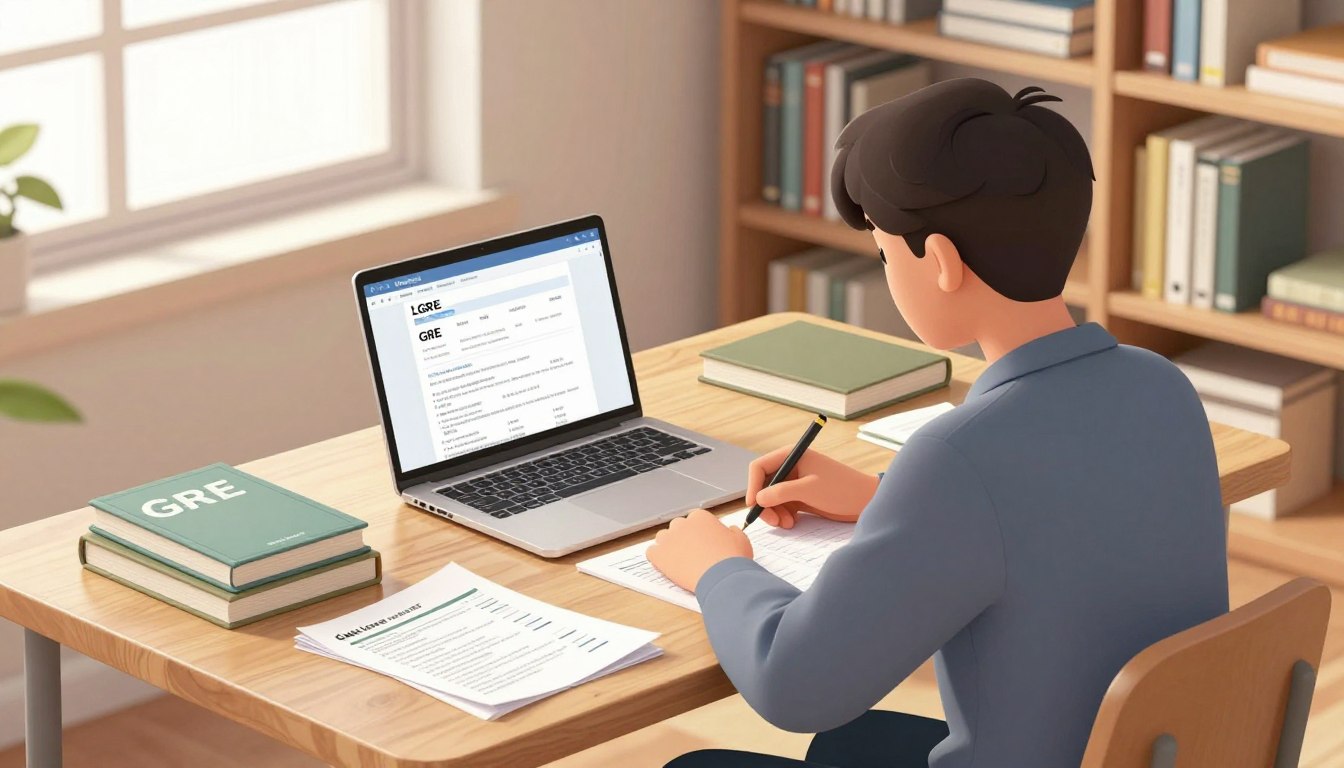
Preparing for the GRE General Test at home is more than just ensuring a fast internet connection. It involves understanding the ETS requirements for equipment, privacy, and identity verification. The at-home version of the GRE mirrors the test-center experience in both content and format, making it essential to meet specific standards for a smooth testing experience.
During the exam, a human proctor monitors the session, ensuring compliance with all regulations. However, if your setup does not meet the required technical or environmental standards, ETS can prevent you from proceeding without a refund or rescheduling options. This emphasizes the importance of proper preparation.
In this article, we will guide you through the necessary bandwidth and equipment preparations, room arrangements, and troubleshooting tips. For those looking for additional support, testhelper offers valuable resources tailored for students in India, helping you get ready for your exam day.
Key Takeaways
- The GRE General Test at home matches the test-center experience.
- ETS requires specific equipment and privacy standards for testing.
- Human proctors monitor the exam to ensure compliance.
- Improper setups can lead to disqualification without a refund.
- Preparation involves bandwidth, equipment, and room arrangement.
Internet Speed and Equipment Requirements
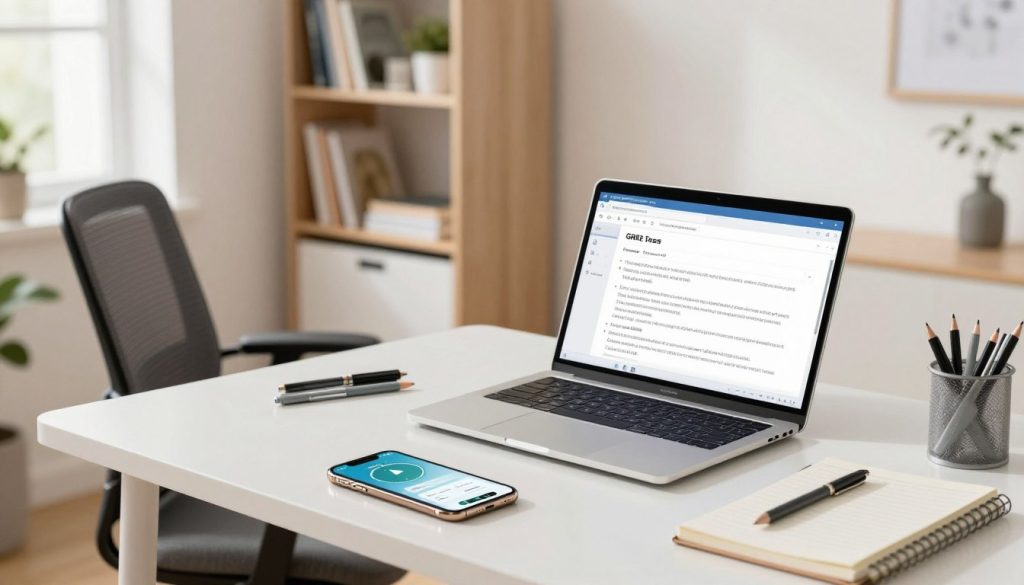
Understanding the technical specifications for the GRE General Test is crucial for success. To ensure a smooth experience, you must meet the ETS requirements for equipment and internet connectivity. The test mandates the use of a desktop or laptop, as tablets and mobile devices are not permitted.
ETS recommends using Windows 11 or higher, or Mac OS X 11 or higher. A stable connection is essential, though no specific Mbps figure is provided. Instead, focus on bandwidth consistency and successful Equipment Checks through the ETS Secure Browser. This tool assesses your setup and highlights any issues with red-triangle indicators.
Before the exam, ensure your camera can provide a 360-degree view of your room. It is also vital to run the Equipment Check multiple times, especially at the same time you plan to take the test. For additional guidance on technical preparation, visit testhelper.
Setting Up Your Testing Environment
Establishing a conducive space for the GRE General Test can significantly influence your performance. A well-organized environment is crucial for maintaining focus and ensuring compliance with ETS requirements.
Arranging a Quiet and Secure Room
Candidates must test alone in a quiet, well-lit, and private room. Public locations, such as parks and cafes, as well as glass-walled rooms, are strictly prohibited. To create a compliant space:
- Close doors and shut blinds or curtains to prevent distractions.
- Ensure no one can enter the room during the exam.
- Remove any food, drinks, notes, or study materials from the testing area.
Positioning Devices and Ensuring Clear Camera Views
Your computer and keyboard should be placed on a clear desk or tabletop. Sit in a standard chair to maintain comfort throughout the exam. The main camera must provide a 360-degree view of the room and tabletop. Additionally, position a second camera approximately an arm’s length to the left or right to capture different angles.
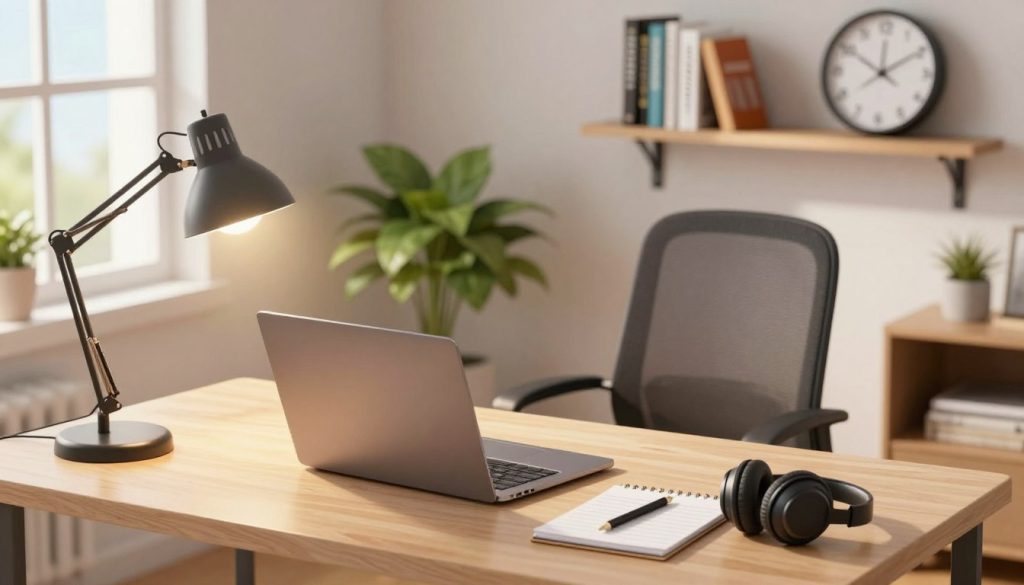
Make sure your face, ears, hands, computer, and testing area are visible whenever the proctor requests inspection. This setup is essential for a smooth testing experience.
| Setup Element | Requirements | Notes |
|---|---|---|
| Room | Quiet, private, well-lit | No public locations |
| Desk/Table | Clear of materials | Standard height |
| Cameras | 360-degree view | Second camera at arm’s length |
| Chair | Standard chair | Comfortable for long duration |
Essential Guidelines for taking gre test at home
Grasping the essential guidelines for the GRE General Test is crucial for a smooth experience. Preparation goes beyond just setting up your equipment. Following the proctor’s instructions and completing necessary checks is vital.
Following Equipment Checks and Proctor Instructions
Start by completing identity verification through the IDVaaS app at least 72 hours before your appointment. This step is essential to minimize delays during check-in. Open the “At Home Check-In” link 15 minutes before your scheduled time. The check-in process typically takes about 20-30 minutes.
During this time, the proctor will check your identification, review the rules, and inspect your room. They will also confirm that you have launched the ETS Secure Browser. Remember, you can only use one small desktop whiteboard or a sheet inside a transparent sheet protector with an erasable marker for notes.
Key Setup Tips from Testhelper for Test Day Success in India
To ensure compliance with ETS requirements, avoid using regular paper, pens, or headsets. It’s also important to have your ears and face visible throughout the exam. Disable any unauthorized software and wear appropriate clothing.
For a complete overview of the setup, including a camera sweep and check-in sequence, practice the entire procedure ahead of time.
Troubleshooting Common Technical and Setup Issues
Navigating technical issues during the GRE General Test can be challenging. Candidates should prepare for potential hurdles that may arise during the exam. This preparation includes resolving all Equipment Check failures before check-in, as these must be addressed to avoid being barred from testing.
To begin troubleshooting, conduct repeated Equipment Checks. Ensure that unnecessary applications and household streaming devices are closed to reduce bandwidth demand. Disabling software like Zoom, Skype, and TeamViewer is essential for a smooth experience.
If you encounter a brief internet interruption, you may automatically reconnect to the proctor. However, remain calm if a camera or microphone disconnects; notify the proctor by speaking or waving. Follow their instructions to reconnect.
Additionally, environmental factors must be managed. Issues like poor lighting or an obstructed tabletop should be corrected before check-in. Testhelper recommends keeping ETS confirmation and support details accessible during the exam.
| Issue | Action Required | Notes |
|---|---|---|
| Equipment Check Failure | Resolve all red indicators | Must be done before check-in |
| Bandwidth Fluctuation | Close unnecessary applications | Stop streaming devices |
| Camera Disconnect | Notify proctor immediately | Follow reconnection instructions |
| Environmental Issues | Adjust lighting and remove obstructions | Ensure privacy and compliance |
Conclusion
To achieve success on the GRE General Test, preparation involves more than just ensuring a reliable internet connection. Candidates must combine stable bandwidth, approved equipment, and a compliant private room for an optimal experience.
Completing identity verification early is crucial. Additionally, repeating the Equipment Check, preparing acceptable note-taking materials, and following every proctor instruction on exam day are essential steps.
The current GRE General Test lasts 1 hour and 58 minutes without scheduled breaks, making uninterrupted connectivity vital. After testing, candidates can report or cancel scores, view unofficial results, and select up to four institutions to receive their scores.
For further preparation guidance tailored for India, visit testhelper. This resource offers practical support to ensure you are fully ready for your exam day.
FAQ
What are the internet speed requirements for the GRE general test?
A minimum download speed of 3 Mbps and upload speed of 1 Mbps is recommended to ensure a smooth testing experience.
What equipment do I need to take the GRE general test at home?
You will need a computer, a working webcam, a microphone, and a stable internet connection. Ensure your device meets the ETS secure browser requirements.
How can I check my internet connection before the exam?
You can use online speed test tools to measure your download and upload speeds. Additionally, ensure your connection is stable by running a test a few days prior to the exam.
What should I do to set up my testing environment?
Choose a quiet room with minimal distractions. Ensure that your testing area is well-lit and that the camera has a clear view of your workspace.
Are there specific guidelines I need to follow on test day?
Yes, follow all equipment checks as instructed by the proctor. Make sure your testing area is free of prohibited materials and that your devices are functioning properly.
What if I encounter technical issues during the exam?
If you experience bandwidth fluctuations or equipment failures, contact ETS support immediately for assistance. Be prepared to troubleshoot common issues before your test day.
How can I ensure my camera and microphone are working correctly?
Test your camera and microphone in advance using video conferencing software. Make sure the proctor can see and hear you clearly during the equipment check.