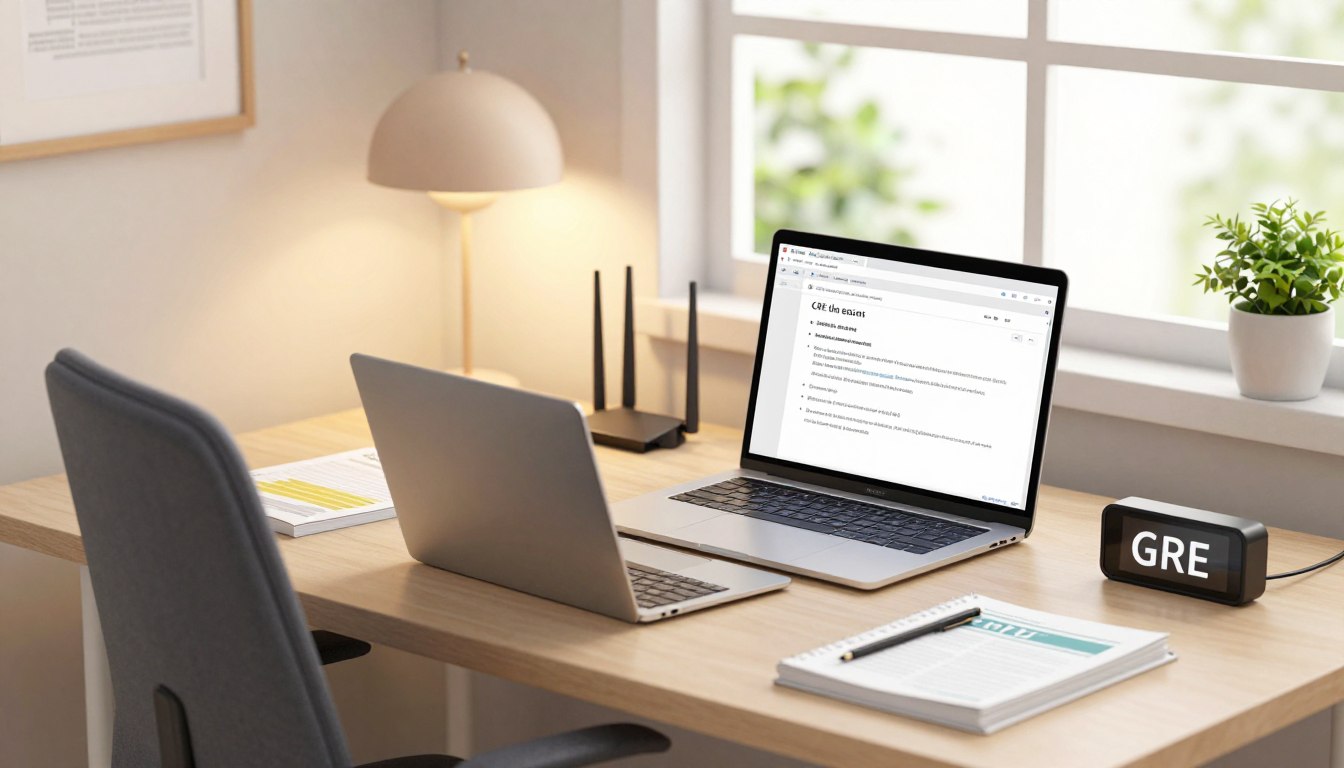
In today’s educational landscape, candidates have options when it comes to sitting for exams. One popular choice is opting for the GRE General Test at home. This alternative delivery format allows students to prepare for business and graduate programmes without the need to visit a test centre.
According to ETS, the home test mirrors the centre-based version in content and structure. However, personal environments and technology can significantly influence the testing experience. A human proctor supervises each at-home exam, ensuring that all procedures are adhered to, including strict equipment controls and camera monitoring.
Available 24/7, at-home appointments provide flexibility for test-takers. This article introduces testhelper, a practical framework for comparing the two options, focusing on the methodology behind score comparisons. It is crucial to understand that identical assessment content does not guarantee higher scores for one delivery method over another.
For further guidance and support in preparing for your exam, visit testhelper.
Key Takeaways
- At-home GRE tests are identical to centre-based versions.
- Human proctors monitor all at-home examinations.
- Appointments are available 24/7 for flexibility.
- Technology and personal environments can affect performance.
- Testhelper offers a framework for comparing delivery options.
Understanding the GRE Testing Landscape
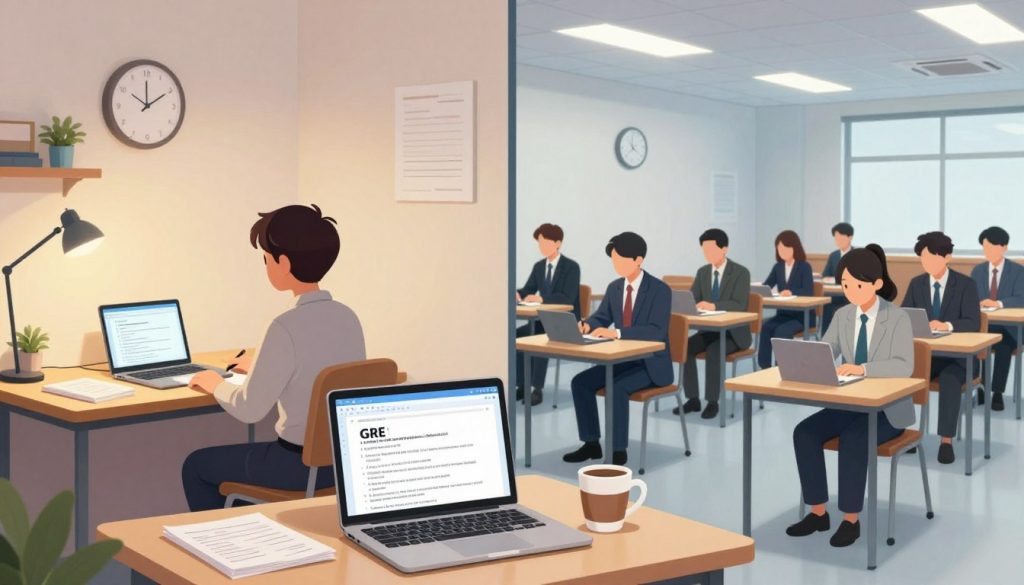
The GRE testing landscape offers various formats for candidates to consider. Candidates can choose between taking the GRE General Test at a physical centre or opting for the home test. Both formats are designed to evaluate the same skills and knowledge, yet they differ in practical aspects.
ETS ensures that the home testing environment is secure. Each session is monitored by a human proctor who oversees the entire process. Candidates must adhere to strict security protocols, including identity verification and equipment checks.
Before the exam, candidates will check in via their ETS account 15 minutes prior to the scheduled time. The proctor may take 20-30 minutes to complete necessary checks, including a 360-degree view of the room. This thorough process helps maintain the integrity of the testing experience.
| Aspect | Centre-Based Test | Home Test |
|---|---|---|
| Availability | Limited by local scheduling | 24/7, flexible appointments |
| Proctoring | In-person | Remote monitoring |
| Security Checks | Minimal | Comprehensive, including room view |
| Equipment Requirements | Standard testing equipment | Must use ETS Secure Browser |
Essential Equipment and Environment for At-Home Testing
Students now have diverse choices for their exam formats, allowing for a more tailored experience. For those opting for the at-home test, certain equipment and setup requirements are essential to ensure a smooth experience.
Firstly, a desktop or laptop is necessary; tablets, Chromebooks, and mobile devices are not permitted. ETS recommends using Windows 11 or higher for PCs and Mac OS X 11 or higher for Macs. It is crucial to have a working speaker, microphone, and a movable webcam that provides a 360-degree view of the room.
Additionally, candidates must set up a second camera using a fully charged smartphone or tablet, which should display the computer, keyboard, and hands from a different angle. This is vital for the proctor to inspect the testing area.
Equipment Requirements and Setup
- Desktop or laptop with a licensed operating system.
- ETS Secure Browser must be installed.
- Speaker and microphone are required.
- Movable webcam for room monitoring.
- Second camera (smartphone/tablet) for additional viewing angle.
Room Arrangement and Privacy Conditions
It is essential to conduct the exam in a quiet, well-lit, and private room. Candidates must be alone, with closed doors and no one entering during the exam. Public locations, such as cafés, are strictly prohibited.
To maintain a secure environment, the testing area should only contain approved materials. A small whiteboard or a transparent sheet protector with an erasable marker is allowed for notes, while food and drink are not permitted.
Effective Strategies for taking the gre from home
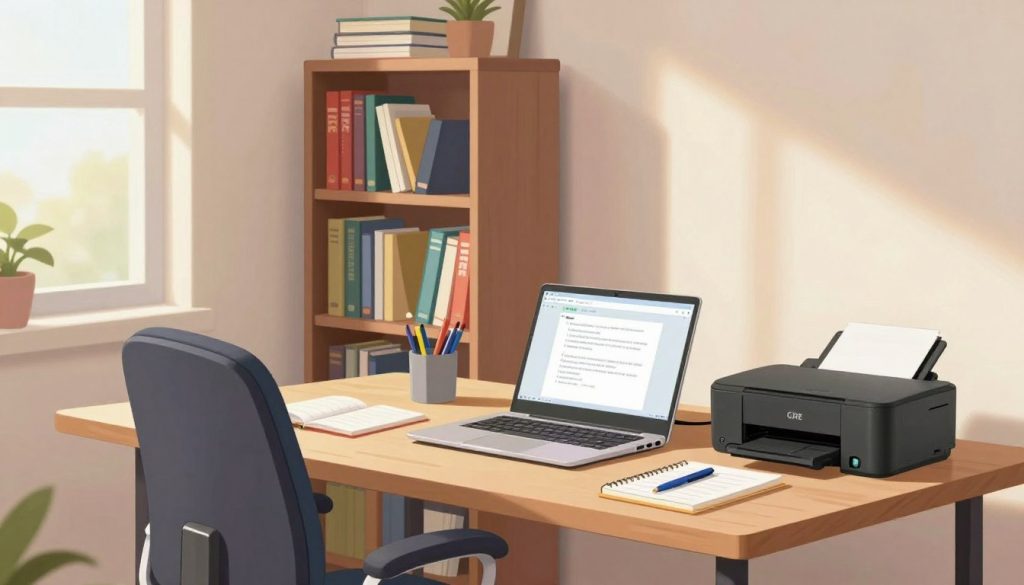
Navigating exam formats requires students to adopt strategic preparation techniques. Preparing for the GRE General Test at home involves several critical steps to ensure a successful experience.
First, identity verification should be completed at least 72 hours before the appointment using the IDVaaS app. Candidates registering less than 72 hours before their test time must complete verification immediately after scheduling.
Next, download the ETS Secure Browser and run the equipment check multiple times. It’s essential to repeat the bandwidth test at the same time of day as the scheduled exam. This helps identify any potential issues that could arise during the test.
Step-by-Step Preparation Tips
- Complete identity verification at least 72 hours in advance.
- Run the equipment check several times before the exam.
- Close unnecessary applications and devices using the internet.
- Ensure the second camera is charged and connected to power.
- Prepare acceptable identification and note materials.
Technical Checks and Backup Plans
During the exam, if the second camera disconnects, candidates can rescan the QR code. In case of internet issues, a momentary loss may automatically reconnect to the proctor. If reconnection fails, contact ETS using the details in the confirmation email.
| Preparation Step | Details |
|---|---|
| Identity Verification | Complete at least 72 hours before the test. |
| Equipment Check | Run multiple checks and bandwidth tests. |
| Device Management | Close unnecessary applications and devices. |
| Camera Setup | Charge and connect the second camera to power. |
For further assistance, consider hiring a professional to take your GRE at home.
Comparing Score Outcomes: Home vs In-Person
Exam formats today provide candidates with distinct paths to demonstrate their skills. According to ETS, both the at-home and in-person GRE General Test use the same content and scoring framework. Therefore, neither format has an inherent scoring advantage.
Factors such as noise levels, internet stability, and room comfort can significantly impact performance. Candidates will receive unofficial scores for Verbal Reasoning and Quantitative Reasoning immediately after completing the exam. However, the Analytical Writing score is not displayed right away due to the essay-scoring process.
Both testing formats share a total duration of 1 hour and 58 minutes, with no scheduled breaks. It’s essential to note that technical issues, proctor interactions, and check-in delays may affect a candidate’s confidence, even if they do not alter the exam’s difficulty.
| Aspect | Home Test | In-Person Test |
|---|---|---|
| Score Availability | Verbal and Quantitative scores shown immediately | Same as home test |
| Analytical Writing Score | Delayed | Delayed |
| Test Duration | 1 hour 58 minutes | 1 hour 58 minutes |
| Breaks | No scheduled breaks | No scheduled breaks |
When deciding on a testing format, consider the reliability of your equipment, the quietness of your environment, and your ability to concentrate. For further insights, explore how to secure your score with testhelper.
Conclusion
As students prepare for their exams, understanding the nuances of different testing formats is crucial. ETS considers both the at-home and in-person GRE General Test as identical assessments. Candidates should focus on reliability and comfort rather than expecting different score scales.
A successful appointment at home relies on a compliant computer, stable internet, a working camera, a private room, and completed identity verification. The 1-hour-58-minute session has no scheduled break, making realistic timed practice essential.
Those who prefer predictable facilities may choose a test centre, while others needing flexible scheduling might opt for the home option. Technical checks, permitted erasable notes, and a clear backup plan can help reduce preventable problems on test day.
For more guidance, visit testhelper to support your GRE delivery decision.
FAQ
What are the requirements for the home testing environment?
The environment must be quiet, well-lit, and free from distractions. Ensure that you have a stable internet connection, a computer that meets the necessary specifications, and a suitable desk or table surface for your materials.
How does the security protocol work during the exam?
Security measures include using the ETS secure browser, which restricts access to other applications. Additionally, a proctor will monitor your session via video, ensuring compliance with testing regulations.
What equipment do I need to take the exam at home?
Essential equipment includes a computer with a webcam, a microphone, and a stable internet connection. You may also need to run an equipment check prior to the exam to ensure everything functions correctly.
Can I use notes or reference materials during the exam?
No, using notes or any reference materials is prohibited during the exam. The testing environment must remain free of any unauthorised materials to maintain integrity.
What should I do if I encounter technical issues during the test?
If you experience technical difficulties, immediately contact the support team through the provided channels. It’s advisable to have a backup plan, such as an alternative device, ready in case of unexpected issues.
How can I prepare effectively for the exam?
Preparation involves familiarising yourself with the exam format, practicing with official materials, and ensuring your equipment and environment meet all requirements. Creating a study schedule can also enhance your readiness.
Is there a difference in scoring between home and in-person testing?
While individual experiences may vary, research suggests that scores tend to be comparable between home and in-person formats, provided that the testing conditions are optimal.
What identification is required for the exam?
You must present a valid form of identification, such as a passport or driver’s licence, that includes your photograph and signature. This is essential for verifying your identity before the exam begins.